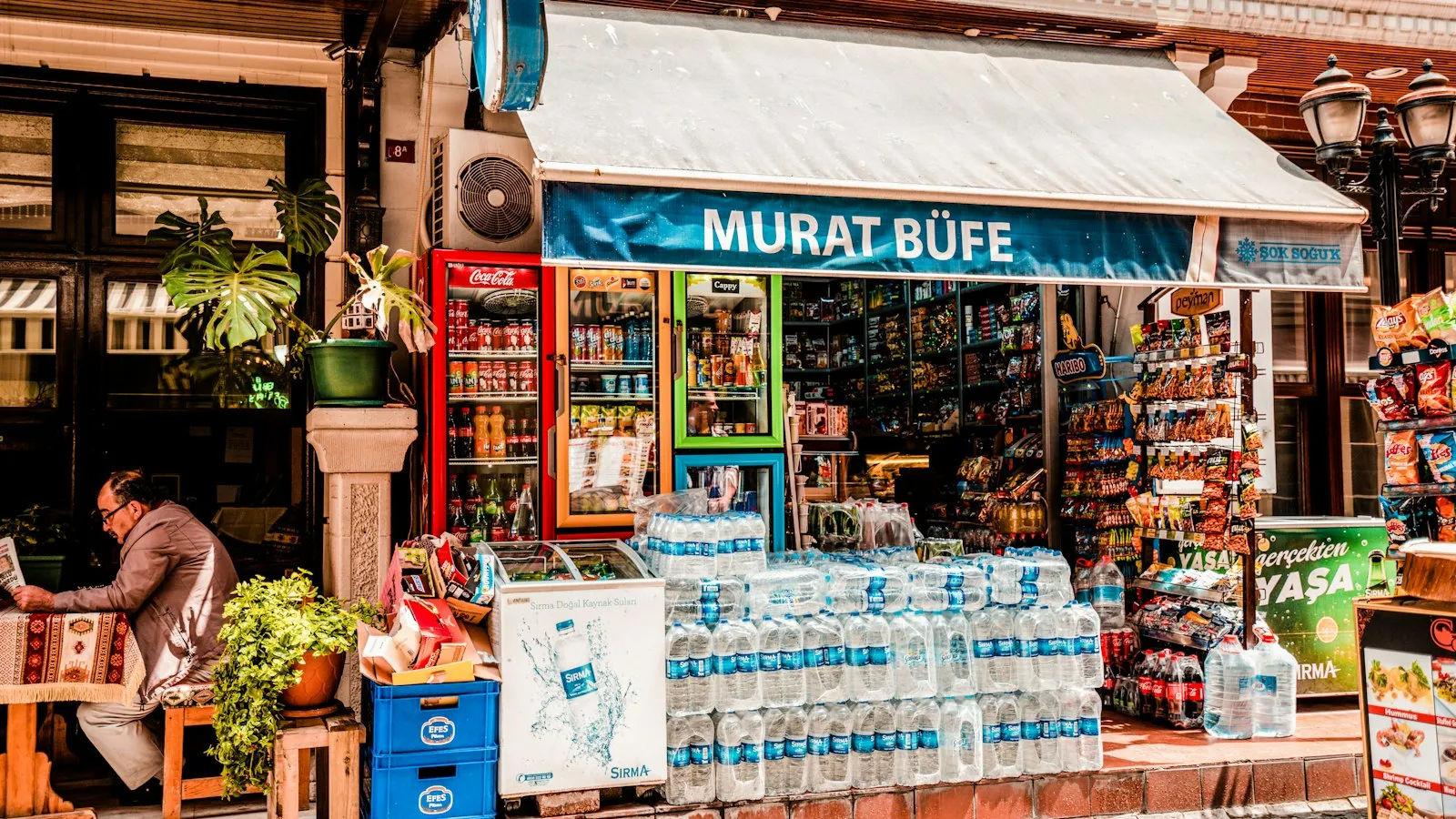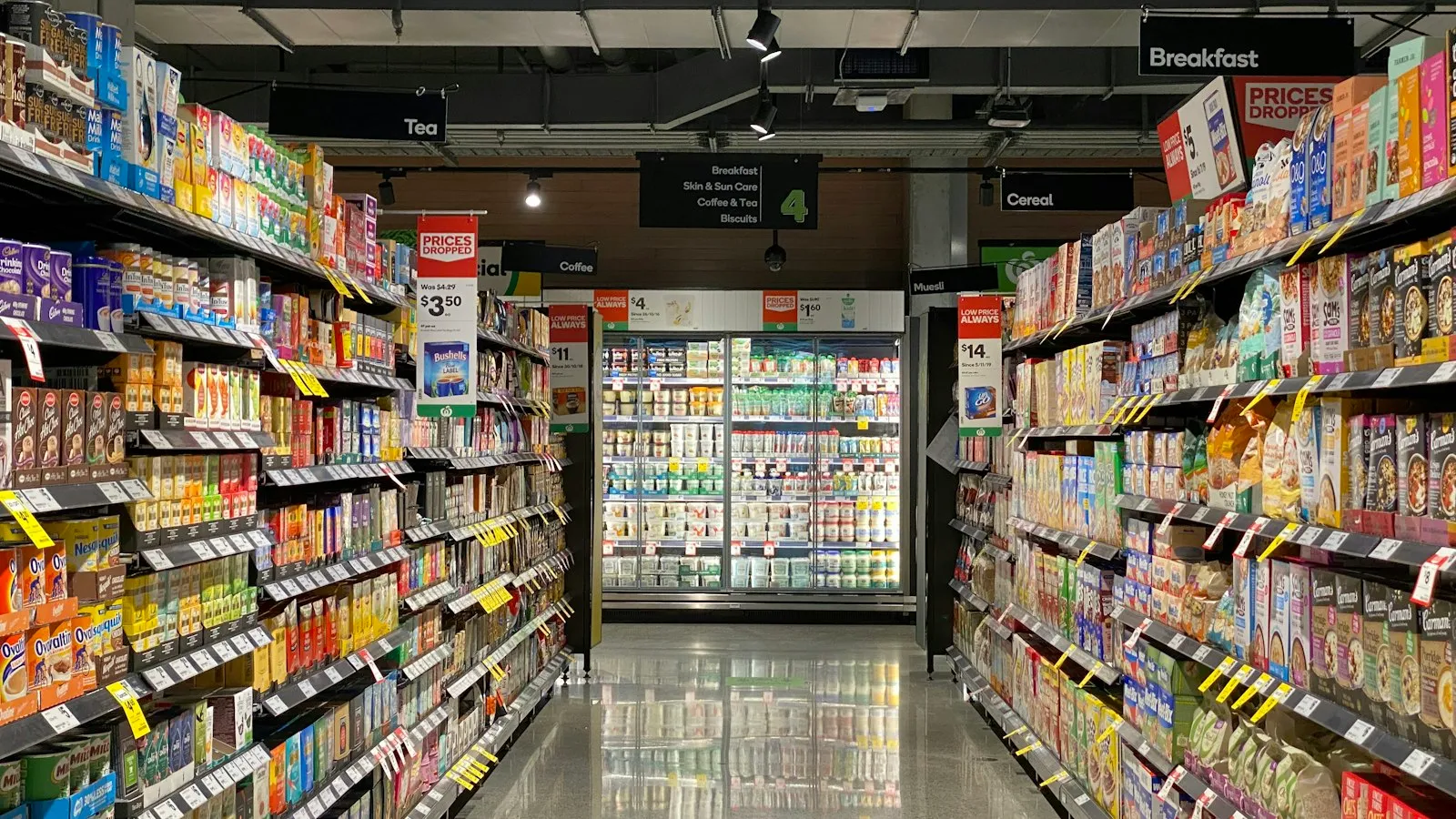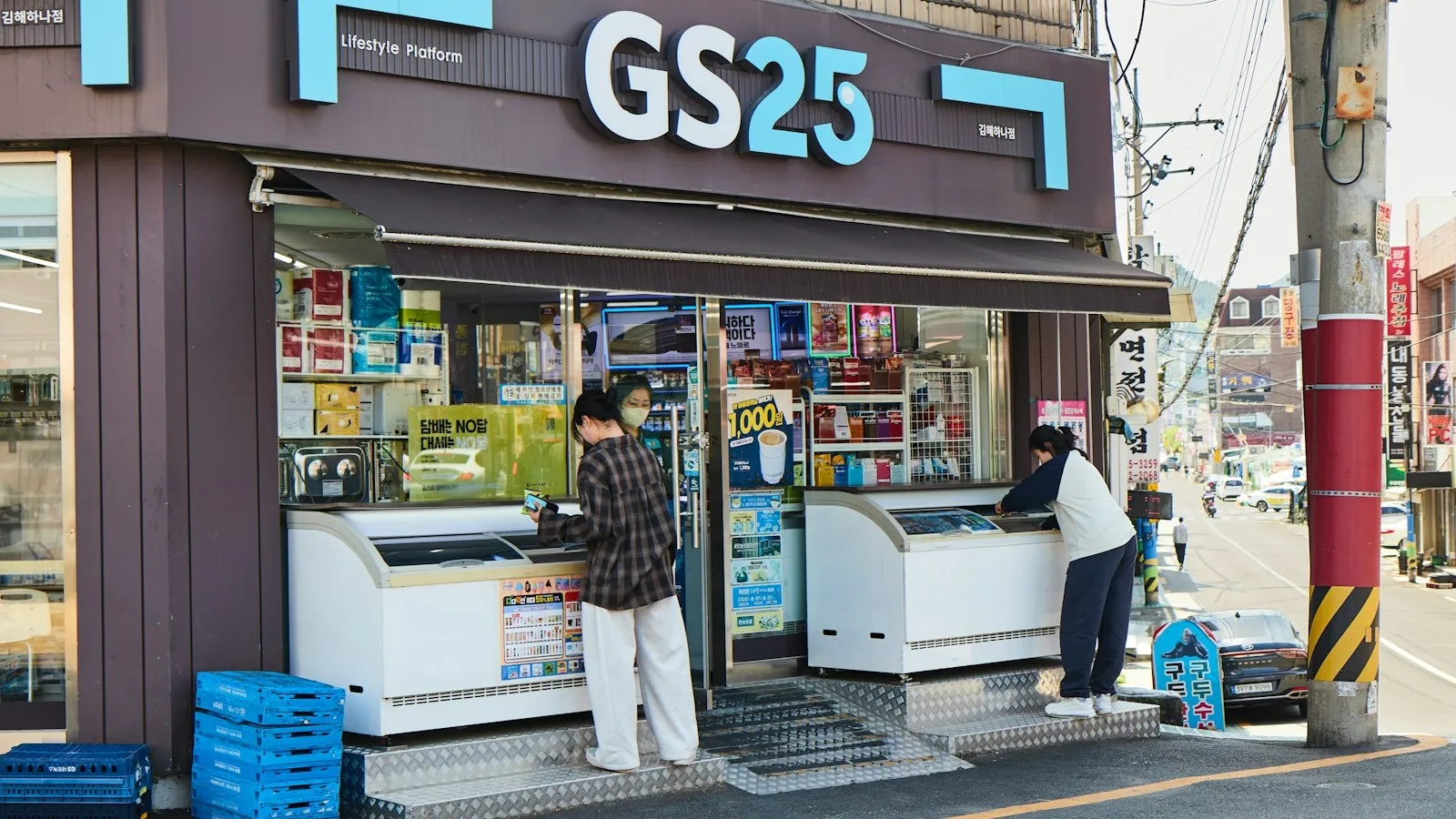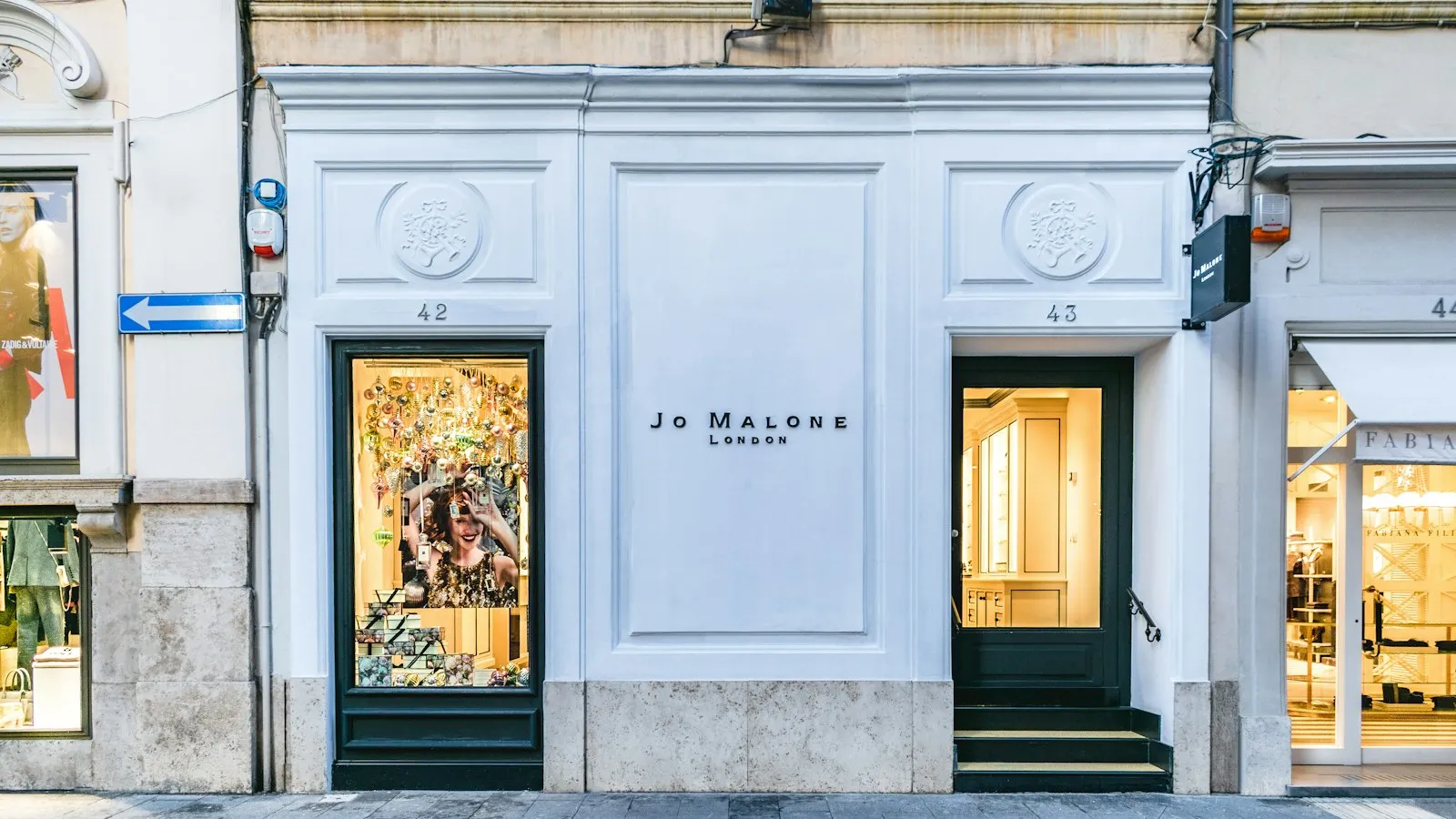
Picture a retailer with three stores open this quarter: one downtown, one in a busy mall, one on a quiet suburban strip. Someone sets up a single campaign, points it at the whole metro area, and lets it run. A month later the downtown store is packed and the suburban one has barely moved.
Nothing was wrong with the ad. The budget just never knew the three stores were different. The fix is simpler than it sounds: one line item per store, each with its own place, budget and ad.
Why can’t one campaign tell your stores apart?
A national or city-wide campaign has one bid, one creative, one set of rules, applied everywhere at once. That is fine when you are selling the same thing to the same audience everywhere. It falls apart the moment your network does not behave like one place.
A downtown store draws foot traffic from people walking between meetings. A mall location fights for attention against the store right next to it. A suburban strip pulls from people driving in on a Saturday. Each one has a different radius, a different rhythm, and arguably a different answer to “how much should we spend here this week”. A single line item cannot hold three answers. It holds one, averaged across all three, and the average helps nobody.
A budget that is not told where to go ends up everywhere a little and nowhere enough.
Scale makes the problem worse, not better. A brand with 3 stores can get away with a shared campaign for a while. A retailer with 120 stores cannot: some are flagship locations in dense areas, some are quiet neighbourhood shops, and the gap between what they each need only widens as the network grows, the same tension covered in running one campaign across many local stores.
What does a line item actually contain?
The alternative is to stop treating the network as one thing and start treating it as what it actually is: a list of locations. In the Arago DSP, that list becomes line items, one per location. Each line item carries three things:
- A place. A zone drawn on the map, or a drive-time zone measured in real driving time around one address, the same approach covered in geo-targeting for local retail.
- A budget. However much that specific location deserves this week, independent of every other line item.
- An ad. The creative that runs for that place, which can be the same creative everywhere or tuned per location.
That is the entire idea. A campaign for a 120-store retailer is not one line item wearing a big hat. It is 120 line items, each one small, specific, and easy to reason about on its own.
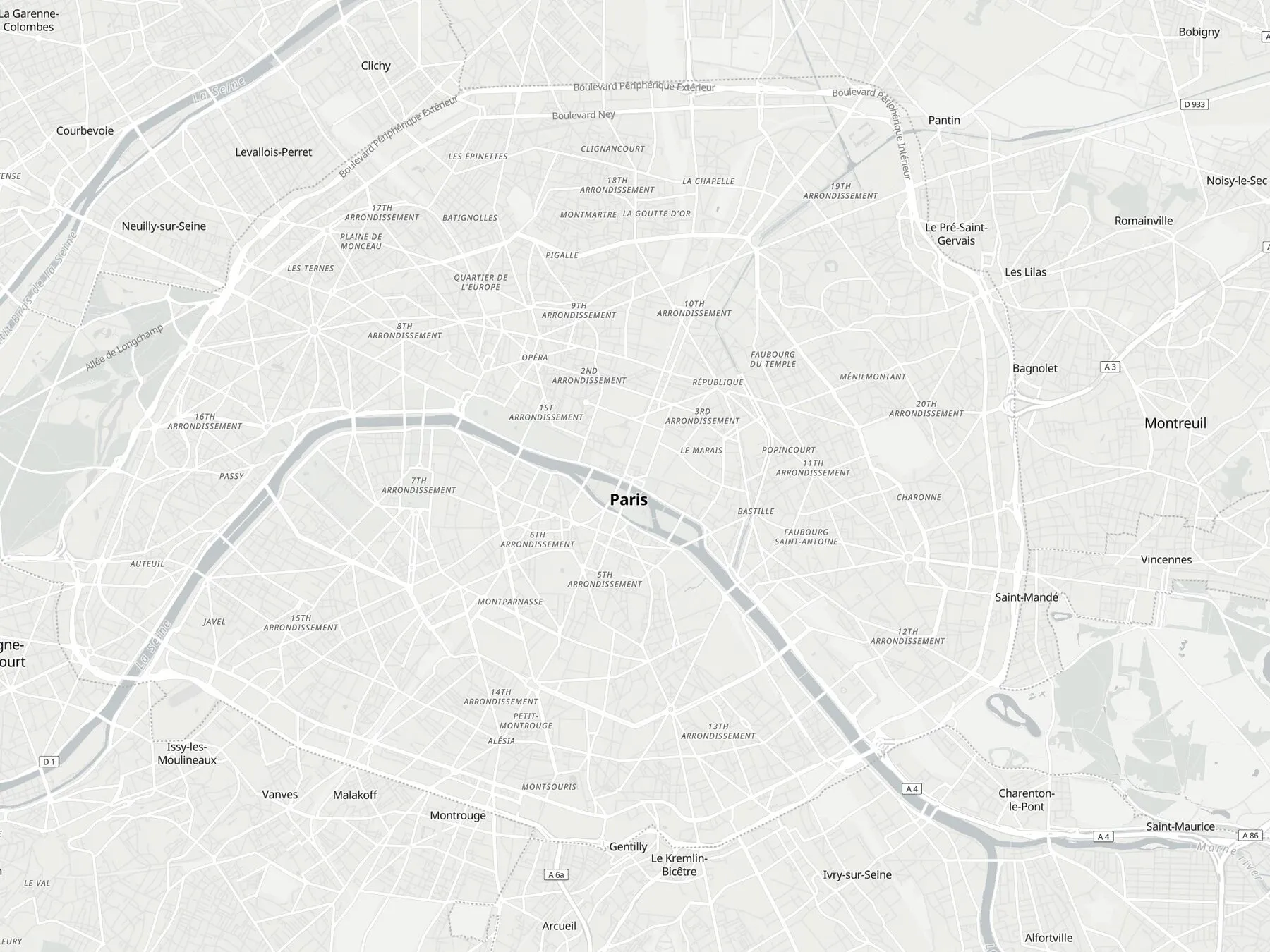
A network rarely behaves like one place. It behaves like dozens of small ones.
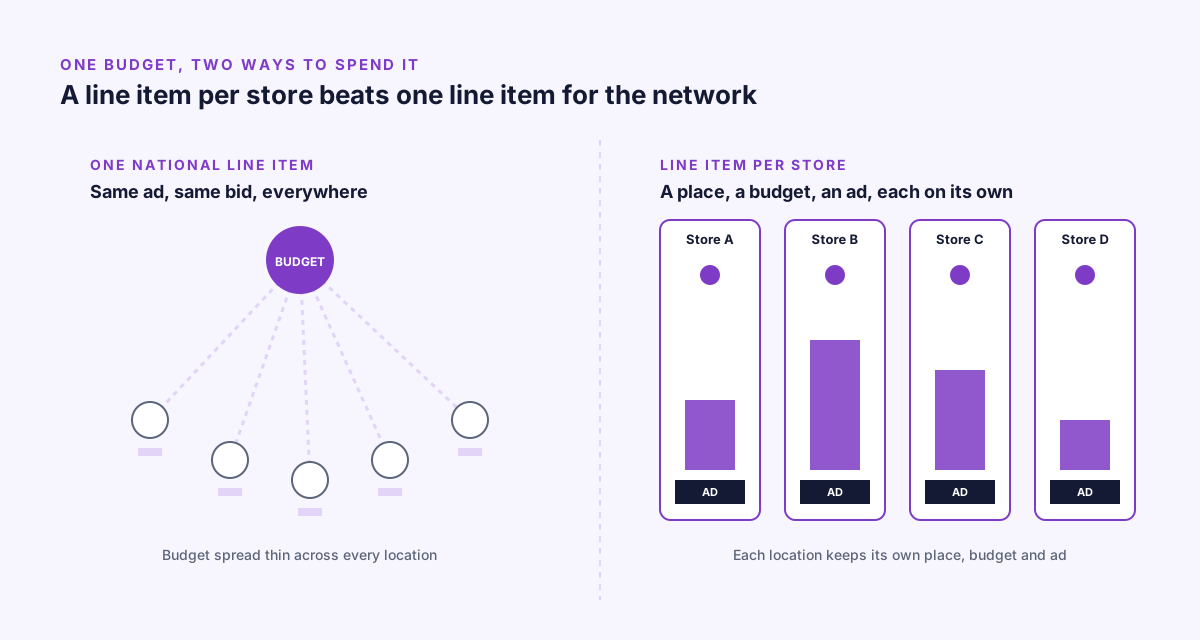
How do you build 120 line items without building them 120 times?
The idea only works if setting it up does not take 120 times as long as setting up one campaign. So the workflow is built around three shortcuts.
Paste from a spreadsheet. If the store list already exists somewhere, which it almost always does, the fastest way in is to paste it straight into the DSP. Rows become line items.
Import zones as GeoJSON. If the store footprints were drawn somewhere else, in Map or any GIS tool, they come in as a GeoJSON file and turn into drive-time zones directly, without redrawing a single boundary by hand.
Bulk create, duplicate, edit, pause. Once the line items exist, they are managed as a set, not one at a time. Create a batch, duplicate a line item to use as a template for the next ten stores, edit several at once when a budget changes, pause the ones affected by a closure or a renovation. None of it requires opening each line item individually.
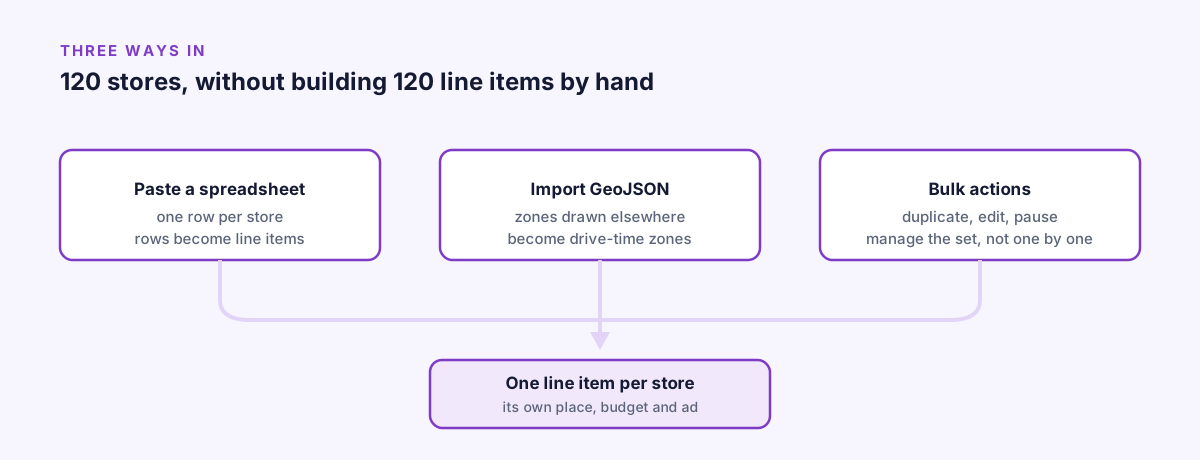
Three shortcuts, one result: each store still gets its own place, budget and ad.
Three shapes of the same idea
The model flexes to fit very different accounts.
A brand launching in three cities. Three line items, each one a drive-time zone around a flagship location, each with its own budget for the launch window. Small enough to set up by hand, structured the same way it would be at any scale.
A retailer with 120 stores. The spreadsheet paste does the heavy lifting here: one row per store, imported in one pass, each becoming its own line item with its own zone and budget. From there, bulk edit handles the ongoing adjustments, a seasonal push in some regions, a pause in stores under renovation, without anyone touching all 120 one by one.
An agency running 30 clients. Here the line items are not locations inside one brand, they are entire clients inside one account. Each client keeps its own budget, its own rules, its own reporting, while the agency manages all 30 from a single login instead of 30 separate ones.
How does reporting follow the same split?
A shared budget that cannot be told apart by location is only half the problem. The other half is reporting that cannot tell you which location did the work.
Every line item reports on its own: impressions, clicks, CTR, viewable impressions, CPM, viewable CPM and spend, broken down further by creative and ad size, updating while the campaign runs. For the 120-store retailer, that means 120 separate answers to “how is this store doing”, not one blended number that hides the two or three locations quietly underperforming.
It also means budget decisions stop being guesses. If, in a given week, one example location is spending its full budget and converting attention while another sits mostly untouched, that shows up at the line item level, and the next budget pass can move money accordingly. None of this requires exporting anything or waiting for a report. It is there, per line item, for the length of the campaign.
FAQ
What is a line item in a retail DSP campaign?
A line item is one record holding three things: a place (a zone or drive-time area), a budget specific to that location, and the ad that runs there, independent of every other line item.
How many stores need one line item each before it’s worth it?
Three line items already set up this way work for a brand launching in three cities. The benefit grows with scale: a 120-store retailer gets 120 separate answers to how each store is performing instead of one blended number.
Can an agency use the same model for multiple clients?
Yes. Line items do not have to be locations inside one brand, they can be entire clients inside one account, each keeping its own budget, rules and reporting while the agency manages all of them from a single login.
Do I have to set up every store line item by hand?
No. Store lists can be pasted from a spreadsheet or imported as GeoJSON zones, and once created, line items can be bulk created, duplicated, edited and paused as a set.
The network is already a list
The honest starting point is that a store network already exists as a list: an address, a trading area, a few numbers about how busy the place gets. A single national campaign throws that list away and treats the whole thing as a dot on a map. A line item per store keeps the list intact and lets the budget follow it, the same granularity that lets a multi-store retailer run something that looks and performs like its own retail media network, one place, one budget, one ad at a time.
Setting it up by hand for three stores takes a few minutes. Setting it up for a hundred and twenty takes a spreadsheet paste and a bulk edit. Either way, the part that matters, each store spending what it actually needs, works the same.